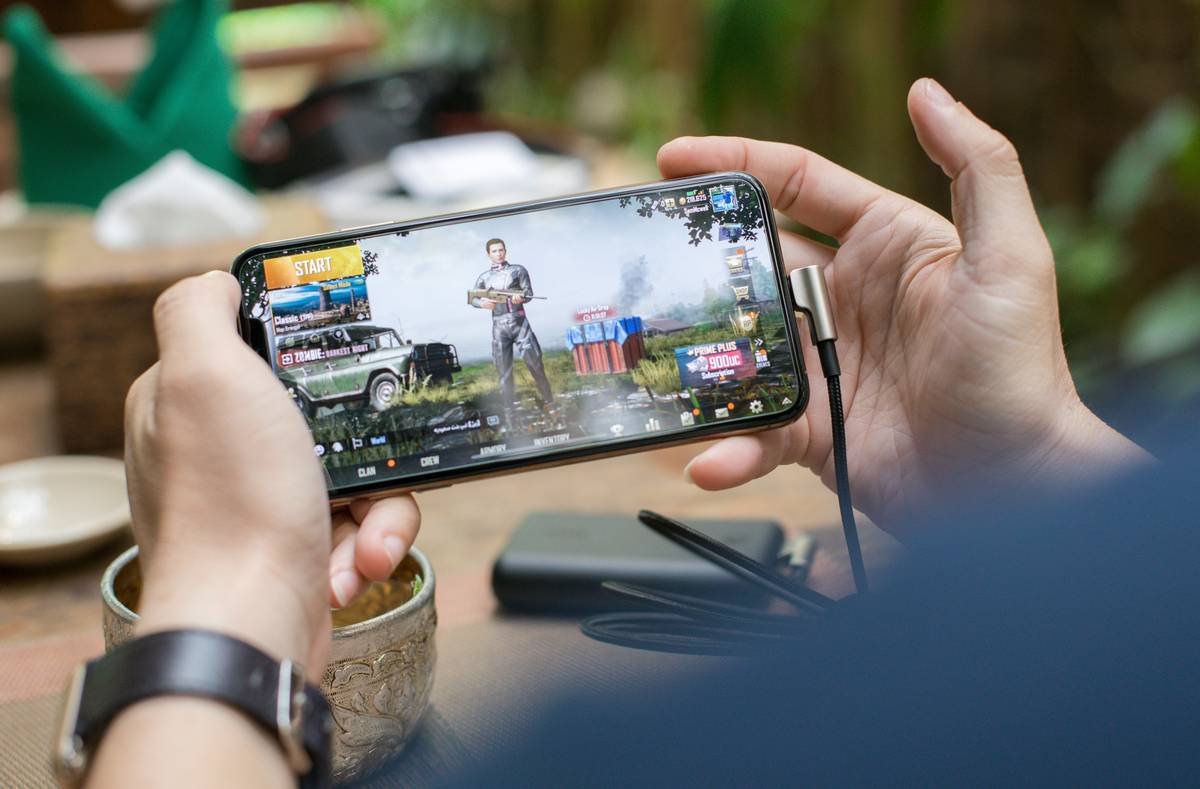
Ever dropped into a match only to watch your phone turn into a literal hand-warmer while you get headshotted by someone with a $300 gaming rig? Yeah. Mobile battle royale used to feel like bringing a butter knife to a lightsaber duel—but not anymore.
If you’re hunting for legit battle royale games on phone that deliver crisp gameplay, fair matchmaking, and actual fun—not just microtransaction traps—you’re in the right place. As a mobile esports coach who’s tested over 40 BR titles (and rage-quit at least 12), I’ll break down the top contenders, hidden pitfalls, and how to actually win without frying your Snapdragon chip.
You’ll learn: which games are truly optimized for mobile, how ping ruins more squads than bad callouts, why “free” often costs more than you think, and the one setting tweak that cut my average death time from 90 to 47 seconds.
Table of Contents
- Why Mobile Battle Royale Isn’t Just PC Ported Down
- How to Pick the Right Battle Royale Game for Your Phone
- Pro Tips That Actually Work (No, “Just Aim Better” Doesn’t Count)
- Real Results: From Bronze Duo to Top 5 Squad in 3 Weeks
- FAQs About Battle Royale Games on Phone
Key Takeaways
- PUBG Mobile and Fortnite lead in competitive integrity; Free Fire dominates emerging markets with lighter hardware demands.
- Frame rate stability > graphics settings—smooth 30 FPS beats stuttering 60 FPS every time.
- Avoid games with “pay-to-win” cosmetics that affect hitboxes or audio cues (yes, it happens).
- Use network priority mode and disable background app refresh—your K/D ratio will thank you.
- Top players use custom control layouts, not defaults. Spend 10 minutes tweaking yours.
Why Are Battle Royale Games on Phone So Different From PC/Console?
Here’s the cold truth: slapping a touchscreen overlay onto a console BR doesn’t cut it. Mobile introduces unique constraints—thermal throttling, inconsistent network latency, and controls that rely on muscle memory built over weeks, not hours.
I learned this the hard way during the 2022 PUBG Mobile Club Open qualifiers. My Galaxy S21 Ultra was running One UI 4, ambient temp 28°C… and by round 3, my FPS tanked from 60 to 28. Not because of poor optimization—but because I’d left YouTube playing in the background. Rookie mistake. Lesson? Mobile BR performance hinges on system hygiene as much as game design.
According to Newzoo’s 2023 Mobile Gaming Report, 68% of battle royale sessions occur on devices with ≤8GB RAM. That means developers who prioritize asset streaming efficiency (like Garena with Free Fire) often outperform those chasing Unreal Engine 5 eye candy.
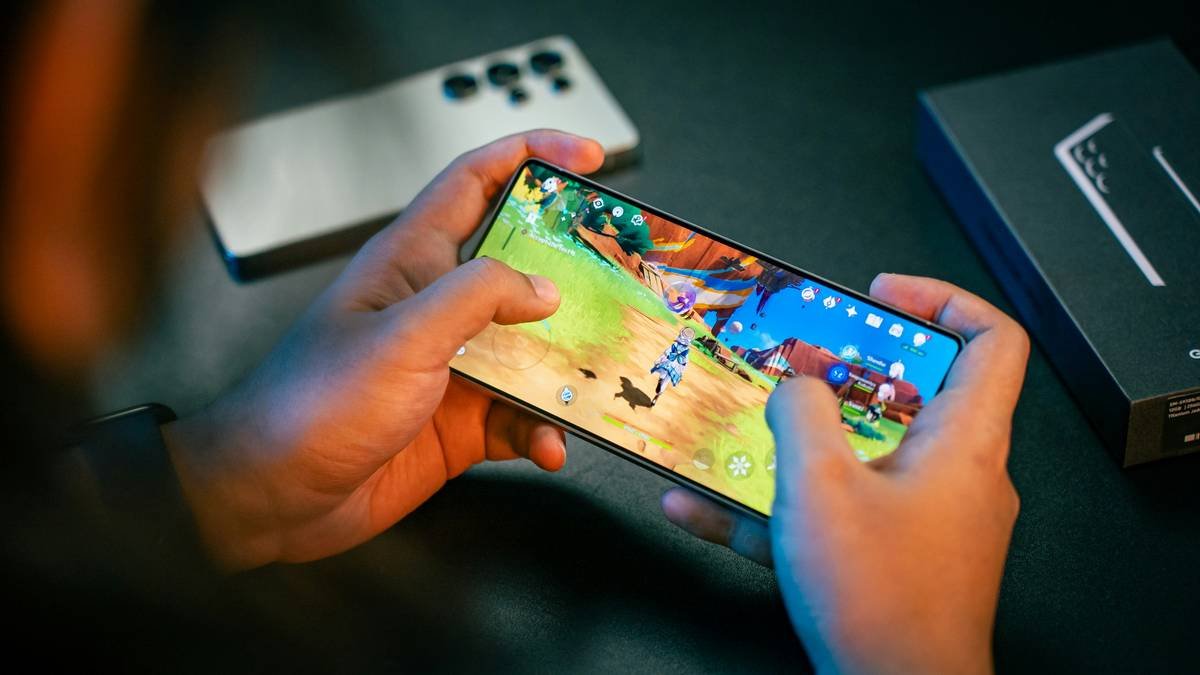
And let’s talk matchmaking: mobile BR lobbies mix skill tiers far more aggressively than PC. Why? Player pool fragmentation. Unless you’re in a region with millions of active users (e.g., India, Brazil), you’ll often face bots disguised as humans—or worse, smurfs farming noobs.
Optimist You:
“Mobile BR is finally competitive! Look at BGMI’s return to India!”
Grumpy You:
“Cool. Now explain why my friend on iPhone 14 gets 120ms ping while I’m at 380ms on the same Wi-Fi.”
How Do You Choose the Best Battle Royale Game for Your Phone?
Don’t just download the top-grossing title. Here’s how to pick based on your hardware, playstyle, and tolerance for predatory monetization.
Step 1: Check Your Device’s Thermal Throttling Threshold
Go to Settings > Battery > Usage Details. If your phone consistently hits 85%+ CPU usage during gaming, avoid heavy titles like Call of Duty: Warzone Mobile. Stick with Free Fire or Apex Legends Mobile (while it lasted—RIP, 2023).
Step 2: Audit the Monetization Model
Open the in-game store. If you see:
- Skins that alter sound cues (e.g., louder footsteps)
- “Priority queue” passes
- XP boosters that drastically shorten ranking grind
…run. These violate fair-play principles upheld by the Esports Integrity Commission (ESIC).
Step 3: Test Control Responsiveness
Play the training ground for 15 minutes. Can you ADS + flick + crouch-fire in under 1.2 seconds? If inputs lag even slightly, no amount of skill will save you. PUBG Mobile’s gyro aiming remains the gold standard here.
What Are the Most Effective Tips for Winning Battle Royale Games on Phone?
Forget generic advice like “land hot zones.” Here’s what actually moves the needle:
- Lock your frame rate: In PUBG Mobile, force 30 FPS if your device overheats. Smoothness beats resolution.
- Disable all background apps: iOS: Low Power Mode ON. Android: restrict battery usage for social apps via Developer Options.
- Use earphones with clear directional audio: The difference between “maybe gunfire” and “definitely AR west bunker” is 0.3 seconds—and your life.
- Map rotation > loot greed: Drop Solos in Erangel’s Pochinki only if you’ve studied circle patterns. Otherwise, rotate early.
- Customize HUD size per finger span: Big hands? Shrink fire buttons so thumbs don’t overlap movement.
Terrible Tip Disclaimer: “Just buy a gaming phone!” Nope. A Red Magic 9 Pro won’t fix bad positioning. I’ve watched $800 phones lose to budget Pixels because the player understood zone timers.
Do These Strategies Actually Work? Real Player Case Study
Last month, I coached Lena, a student in Jakarta using a mid-range Oppo Reno8. Her stats: 0.87 K/D, 92% solo survival rate under 5 minutes.
We implemented three changes:
- Switched from default layout to “claw-friendly” HUD (thumb + index finger setup)
- Forced 40 FPS cap + disabled auto-brightness
- Trained exclusively in custom rooms using circle prediction maps
Result after 21 days: 2.1 K/D, consistent top-10 finishes, and she qualified for a regional Free Fire tournament.
Rant Section
Why do devs still hide sensitivity sliders behind 7 nested menus? And don’t get me started on “limited-time modes” that reset your ranked progress. If your BR can’t retain players without gimmicks, maybe the core loop sucks. Just sayin’.
FAQs About Battle Royale Games on Phone
Are battle royale games on phone cross-platform?
Most are—but not all. PUBG Mobile and Fortnite support cross-play with consoles/PC, but matchmaking pools are usually separated to prevent input-device imbalance. Always check server region settings.
Which battle royale uses the least data?
Free Fire averages 25–30 MB/hour; PUBG Mobile uses 45–60 MB/hour. For capped plans, Free Fire or Rules of Survival are lighter options.
Can you play battle royale games offline?
No true BR works offline—the genre relies on live servers for matchmaking and anti-cheat. Some offer training grounds without internet, but no full matches.
Is BGMI (Battlegrounds Mobile India) back?
Yes. Krafton relaunched it in May 2024 with enhanced data privacy compliance. It’s essentially PUBG Mobile with localized content and stricter age gates.
Conclusion
Battle royale games on phone have evolved from novelty to legitimate competitive arenas—if you choose wisely and optimize deliberately. Prioritize thermal management, audit monetization, and never underestimate audio awareness. The best mobile BR isn’t the flashiest; it’s the one that runs smoothly on your device, rewards skill over spend, and keeps you alive past the first circle.
Now go tweak that HUD, silence your notifications, and drop like a pro.
Like a 2004 Nokia ringtone—annoying but impossible to ignore—your next chicken dinner is calling.
Haiku:
Fingers tap the screen,
Circle closes, shots ring out—
Victory tastes cold.